PostScript output
Saving a plot
gp    # save a complete PostScript file  →  ~/gnew/l<n>.ps
gfa   # append another plot to the same file (for multi-panel figures)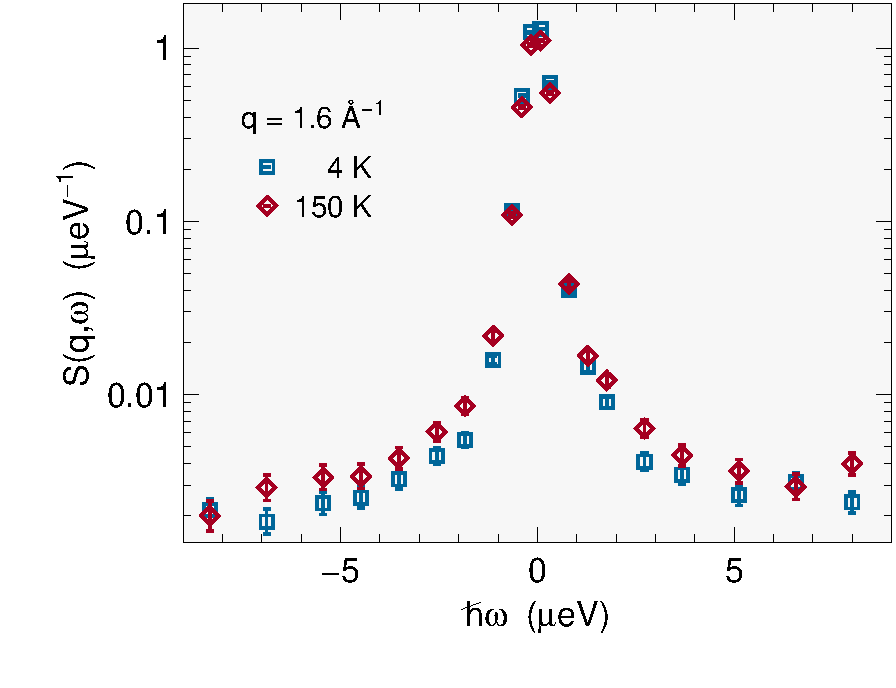
Files go to the directory defined by psdir in your Frida startup
file (default: ~/gnew/).
For viewing and editing, use any PostScript viewer that auto-reloads on
save (e.g. Evince on Linux). For debugging, run gs (ghostscript) on
the file to see error output.
File formats
| Format | Type | Notes |
|---|---|---|
| ps, eps | vector | Frida native output |
| svg | vector | XML-based, suitable for the web |
| vector (container) | lossless conversion from ps | |
| png | raster, lossless | acceptable for presentations |
| jpg | raster, lossy | avoid for scientific plots |
Prefer vector formats throughout all postprocessing.
Embedding and format conversion
Insert a bounding box
Before embedding in a document, insert a bounding box comment:
bboxx -insert figure.psThis adds a %%BoundingBox: left bottom right top comment near the
top of the file. Change the extension to .eps if the application
requires it.
(bboxx is in the impose+ package on Debian/Ubuntu, or bbox from
texlive-bbox on RPM-based systems.)
Convert to PDF
ps2pdf -dEPSCrop figure.ps figure.pdfThe -dEPSCrop directive preserves the bounding box.
Convert to raster
Only as a last resort, when neither EPS, PDF, nor SVG is accepted:
convert -density 300 figure.ps figure.pngScale to the final intended size before rasterizing.
Application support
| Application | Formats accepted |
|---|---|
| LaTeX + dvips | PS (with bounding box) |
| pdfLaTeX | PDF, raster |
| xeLaTeX | PS, PDF, raster |
| MS Office ≥ 2013 | PDF, raster |
| LibreOffice | EPS, raster |
PostScript file structure
A Frida-generated .ps file has three main sections. Search for the
marker strings ewu and ecu to navigate between them.
| Section | Marker | Source |
|---|---|---|
| Dictionary | before ewu |
verbatim copy of wups11a.ps |
| Setup | after ewu |
verbatim copy of g3.ps |
| Plot | after ecu |
written line-by-line by Frida |
Use gfa to append additional plot sections to an existing file,
for multi-panel figures assembled from several plots.