PostScript setup
The setup section of a Frida PostScript file (between markers ewu and
ecu) controls the appearance of every element in the plot. It is a
copy of g3.ps and can be customized.
Size and aspect ratio
10 dup autolabel defsiz    % global figure size = 10; autolabel scales symbols
1 dup geld stdred           % reduction factor 1; geld ≈ 0.76 (landscape)
autolabel applies a sublinear transformation so that symbols and labels
remain legible when a figure is embedded at a smaller size.
stdred sets the reduction and aspect ratio simultaneously.
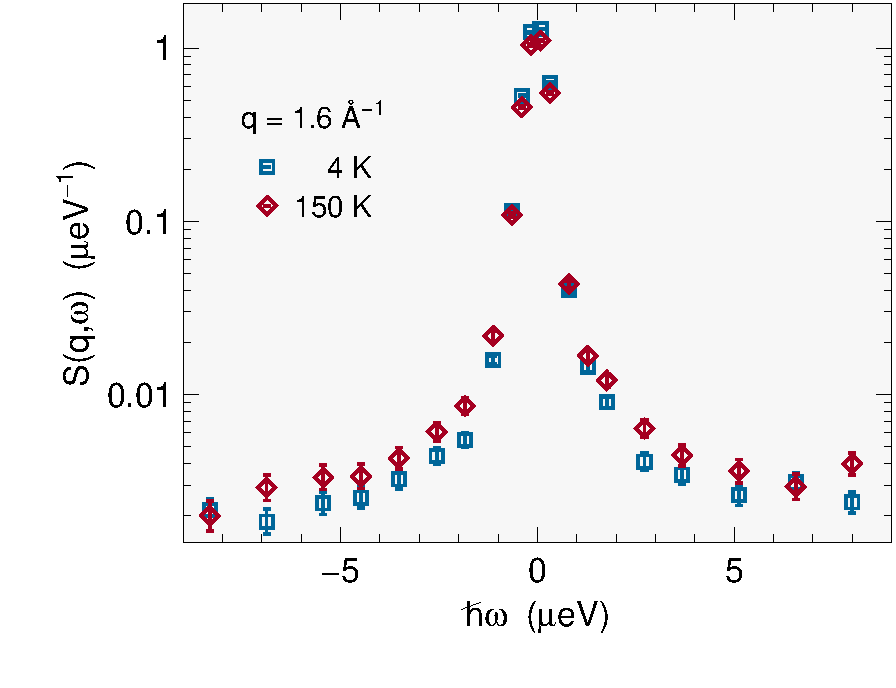
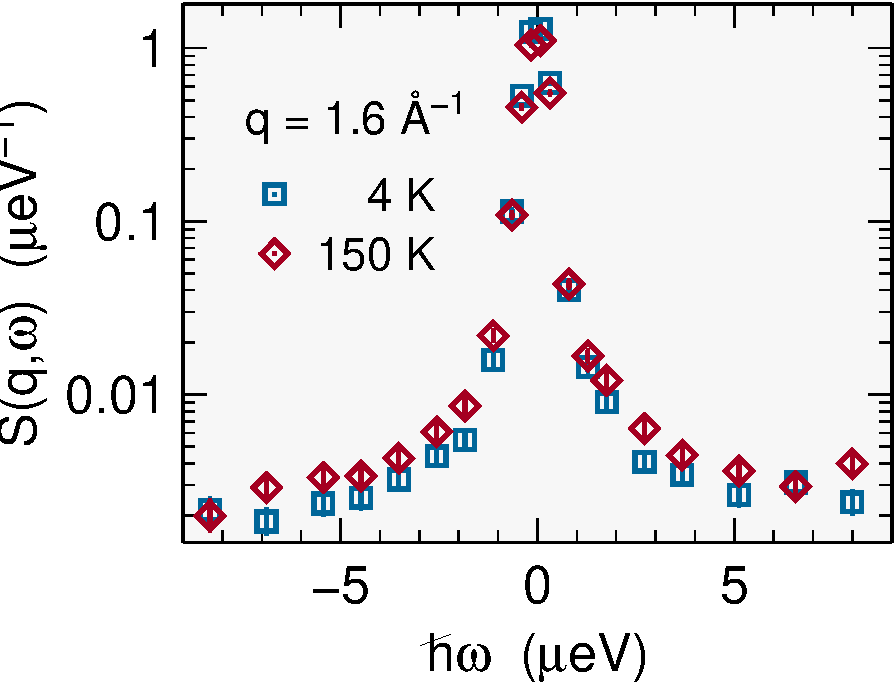
The effect: the same data at large embedding size (top) versus small
(bottom). Without autolabel, symbols and labels become unreadably
tiny; with defsiz 6, defred 2 they scale back up.
Predefined aspect ratio operators:
| Operator | Ratio | Notes |
|---|---|---|
gyld |
0.447 | tall portrait |
guld |
0.548 | |
gold |
0.618 | golden ratio |
gild |
0.707 | √2 |
geld |
0.760 | default landscape |
gald |
0.818 |
Operators starting with capital G are the inverses (portrait
orientations). Omit the operator entirely for a square frame.
To double the figure size: replace 1 with 2 in the stdred line.
Symbols and colors
1 dup 2 SymGSet        % symbol size=1, linewidth=1, error bars=mode 2
F /pcol x def          % F=colored symbols, T=black/white
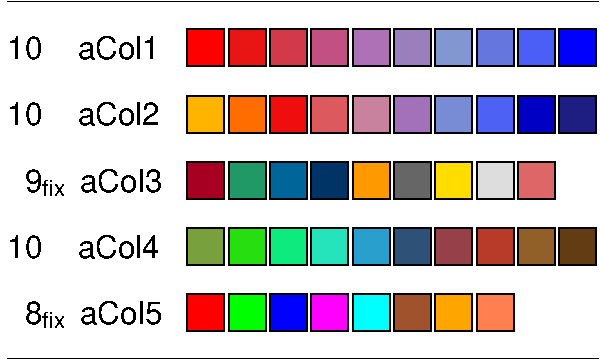
{ 8 aCol5 iColA } /ipCol x bind def   % color sequence aCol5, 8 colors
Predefined color sequences aCol1–aCol5 offer different palettes.
Individual colors are set by i ni aColX where i ∈ [0, ni−1].
Plot symbols are selected with pstyle:
i pstyle % select plot style i from the pStyles array
Curve styles
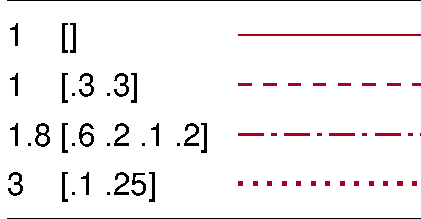
1. [ ] lset        % solid line, width 1
1. [4 2] lset      % dashed line, 4 on / 2 off
i cstyle           % select curve style i from cStyles array